how this gif was made
your input
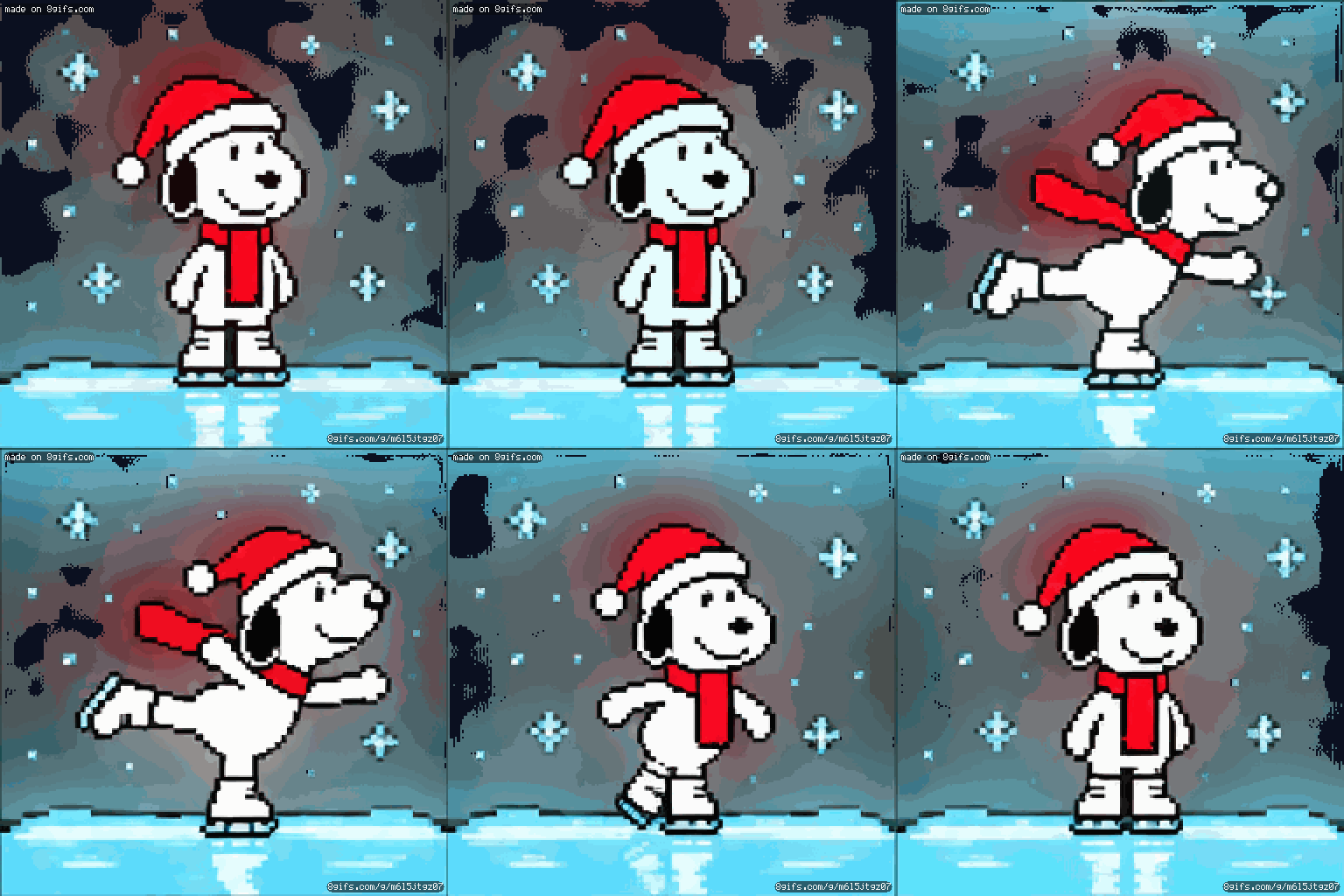
Create a looping Christmas-themed pixel art GIF optimized specifically for a 480-LED net light display. Exact dimensions: • 12 pixels tall × 40 pixels wide • Exactly 480 individual square pixels • Every pixel represents one LED • No antialiasing, gradients, blur, or partial pixels • Large, chunky, clearly separated pixel shapes Scene: Cartoon beagle like Snoopy, but not actually snoopy, ice skating across a frozen pond, wearing a red Christmas scarf and Santa hat. Show cartoon beagle like Snoopy, but not actually snoopy, in a recognizable skating pose with one leg extended behind him and arms out for balance. Background and contrast: • Pure black background (#000000) • Bright white or icy-blue skating surface • Snoopy primarily white with bold black outline • Bright red Santa hat • Use highly contrasting colors so the character is visible from a distance Animation: Create a seamless looping GIF. • Cartoon beagle like Snoopy, but not actually snoopy, gently glides from side to side. • His skating legs move slightly to simulate skating. • Small snowflakes gently fall. Important technical requirements: • The artwork MUST fit within a 40-column × 12-row pixel grid. • Never exceed 480 total pixels. • Use a limited palette of black, white, red, and icy blue. • No text, lettering, borders, or extra decorative details that reduce character visibility. • Prioritize recognizable characters over background decoration. • Keep the animation simple, bold, and readable at a distance. • Maintain consistent character shapes and positions between animation frames. The final result must be a true low-resolution pixel-art GIF, not a high-resolution image that merely looks pixelated. It must also be 12 pixels tall by 40 pixels wide, with color contrast optimal for outdoor Christmas net lighting. Make sure there are only 480 pixels. It cannot be more than that. 12*40. Each pixel is a single, solid color.
